

Why 81% of Enterprise AI Initiatives Run Into the Same Wall

Updated on
Published on
By

Table of Content
About the author

This is a practical guide to match GPU infrastructure against the AI workload you’re dealing with. On paper, these four look almost interchangeable. The same class of chip sits underneath, the hourly numbers land in the same range. So teams choose by habit, or by whatever the last project used, and move on.

The effect of choosing wrong only shows up months later. As capacity gets billed far more than it gets used, or a training run slower than the hardware should allow.
What settles the choice is the workload, in two questions:
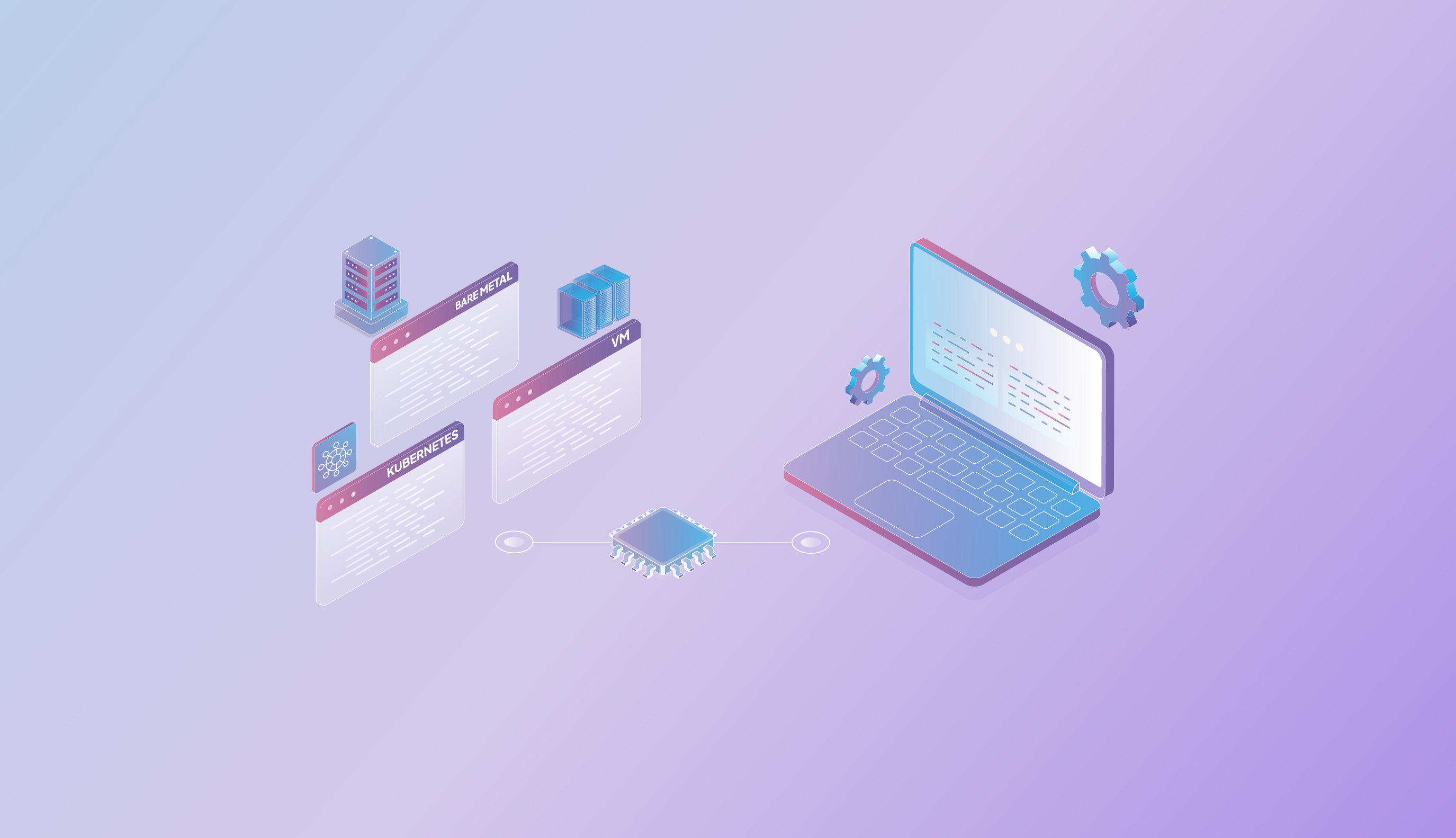
One wrinkle the title hides: three of the four, VMs, bare metal, and BMaaS, are forms of the machine. Kubernetes is a layer that runs on top of any of them. So it is two decisions, not one, and we take them in order, the machine first.
The first question is whether you are training or serving. Virtualization, the thin layer that lets a VM share one physical server safely, costs each workload differently. For inference it is close to free: virtualized GPUs came within 95 to 104% of bare metal in MLPerf tests. For large distributed training it can cost as much as 30%, because training leans on every microsecond of communication between the cards. Over weeks, that gap is real money.

The second question is how busy is the GPU. A GPU has two costs, what you pay while it works and what you pay while it sits idle, and the machine decides how much of the idle time lands on your bill. A virtual machine scales down when the work stops, so you pay for load. A dedicated machine is yours around the clock, a bargain when busy and waste when not.

Put the two together and a rule falls out. Default to a virtual machine. Move to dedicated bare metal when you train at scale, when the GPU stays busy enough that a commitment beats hourly, or when isolation is mandatory.
Everything else, development, fine-tuning, and most inference, runs well on a VM at near bare-metal speed for less.


Unsure? Run the workload down these axes. Mostly left, start on a VM. Mostly right, you want dedicated metal.
| Decision axis | Lean GPU VM when… | Lean bare metal / BMaaS when… |
| Workload | Dev, fine-tuning, inference, variable demand | Large or distributed training, latency-critical serving |
| Utilization | Bursty, on and off through the day | Busy most of the time |
| Duration | Short or unpredictable | Long-running and sustained |
| Isolation | A VM plus network isolation is enough | Single-tenant hardware is required |
| Cost model | Pay by the minute for load | Commit for a predictable rate |
Once the machine is set, a separate question: how do you run and scale work on it. One job or one notebook needs nothing on top. A fleet of services that has to scale, recover from failures, and update without downtime is what Kubernetes is for.
Kubernetes is orchestration, not a machine. It schedules your containers onto the GPUs you have, restarts the ones that fail, and scales with load. It runs on VMs or on bare metal, which is why it is a second decision and not a fourth option. On Velocis the service is VKE, managed Kubernetes that runs your containers across your GPUs.
This matters more each quarter because inference, not training, is now about two-thirds of AI compute, up from a third in 2023. For most teams the elastic option should be the default, with dedicated hardware kept for the training and hard-latency serving that need it. How it lands across industries:

| Industry | Example workload | Best-fit machine | Why |
| Financial services | Real-time fraud scoring; regulated model training | Dedicated bare metal | Latency-critical serving with no hypervisor overhead, plus single-tenant isolation for regulated data |
| Healthcare & life sciences | Genomics and imaging training on sensitive data | Bare metal / BMaaS | Distributed training that also needs dedicated-hardware isolation for sensitive data |
| Retail & e-commerce | Recommendation and search inference, spiky at sales | GPU VMs | Bursty demand, so you pay for load and scale down |
| Media & entertainment | Generative image and video; batch rendering | VMs for burst loads, Bare metal to train | Elastic for spikes, dedicated metal for heavy training |
| AI-native startups | Experimentation, fine-tuning, first inference | GPU VMs | Fastest start, lowest cost, no commitment early on |
| Manufacturing | Computer-vision defect detection across lines | GPU VMs / Kubernetes | Many small, independent inference jobs that pack and scale per line |
A provider that sells one shape traps you: VM-only makes a training run pay the tax forever, metal-only puts a cluster-sized commitment on every experiment. Velocis offers every shape on one platform, over the same GPUs, storage, and network, so moving between them is a setting, not a migration.
There is no single best setup, only the fit for the workload in front of you. Serve at variable load on a VM and keep nearly all the performance for a fraction of the idle cost. Train at scale, serve under hard latency, or carry regulated data, and move to dedicated metal, with BMaaS to make it quick. Run more than a couple of services, and put Kubernetes on top. Match the machine to the job, and keep the freedom to change as the job does.
Not sure which shapes your workloads want? Our engineers will size it with you. Talk to a Neysa engineer ->

AI inference is the stage where machine learning delivers real-world impact—turning trained models into fast, reliable predictions. From fraud detection in finance to precision farming in agriculture, Inference as a Service (IaaS) is transforming industries. With Neysa Velocis, businesses can deploy models at the edge or in the cloud, scale workloads instantly, and maintain vendor-neutral flexibility. The result: faster deployments, lower costs, and AI that consistently drives measurable outcomes.
Enterprise AI rarely arrives in a single moment. It settles in gradually. Then, almost without notice, it becomes part of how the organization thinks, decides, and operates. How do you get your enterprise to do this effectively?

A breakthrough often starts in a notebook. What fails is everything around it—fragile environments, ad-hoc sharing, GPU bottlenecks, and unclear governance. Notebook-as-a-Service is the notebook’s enterprise evolution: collaborative, scalable, secure, and designed to carry experimentation all the way into deployment and monitoring.


 Back to blog home